
This article shows how to combine WooRewards and VIP Memberships so that your loyalty levels are more than a title: reaching a level makes the customer a member, with a member price on your products.
1. The scenario
You sell tea. Your regulars buy every month. You want them to feel the difference as they spend:
- At 500 points, a customer joins the Silver Club and sees 5% off every product.
- At 2,000 points, the customer moves up to the Gold Club: 10% off, and Silver is removed.
- Customers earn 1 point per dollar spent and never spend these points: they only count toward the next club.
WooRewards counts the points and unlocks the levels. VIP Memberships holds the clubs and their prices. The reward Grant WooVIP membership links the two.
2. What you need
- WooRewards Pro, for the leveling system.
- VIP Memberships Pro: the WooRewards actions and the membership reward come with the Pro version.
- Buying both gives you the Play Together discount.
3. Create the two clubs
- Click Add, name the first membership Silver Club, click Create. Do the same for Gold Club.
- Open Silver Club. In Product Rules, click Add: give the rule a name, set Discount (%) to 5, tick every category in Categories for a shop-wide price (a rule with no category applies to no product) and save. See Product Rules.
- Same for Gold Club with 10%.
- Optionally give each club a Sticker, shown on product pages instead of the sale sticker.
4. Turn levels into clubs
- Click Add a Leveling Points and Rewards System. In a leveling system, customers keep their points: rewards are granted automatically when they have enough.
- Add the points action Spend money: Money spent 1, Earned points 1.
- Add level: 500 points. In this level, add the reward Grant WooVIP membership: set WooVIP Membership to Silver Club, and leave Duration empty for a membership without end.
- Add level: 2,000 points, with the reward Grant WooVIP membership: set WooVIP Membership to Gold Club, and Memberships to revoke to Silver Club, so a Gold member pays the Gold price only.
The Silver membership is removed first, then Gold is granted.
5. What your customers see
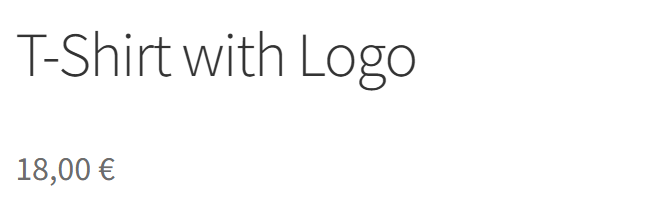
A visitor sees the regular price.
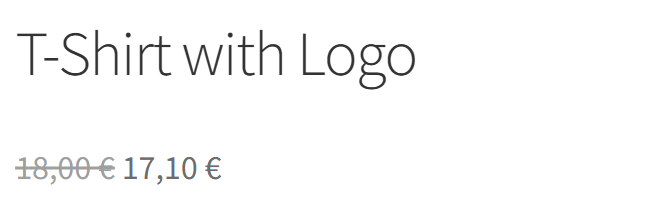
Once an order takes the customer past 500 points, the product pages show the Silver price, the regular price struck through.
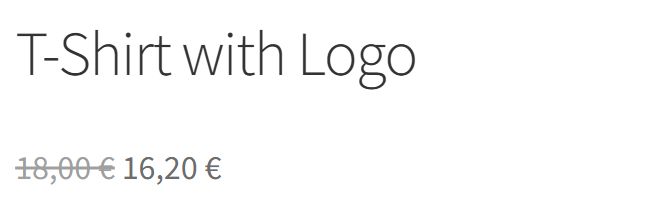
Past 2,000 points, the price drops to the Gold price, and the customer is no longer in the Silver Club.
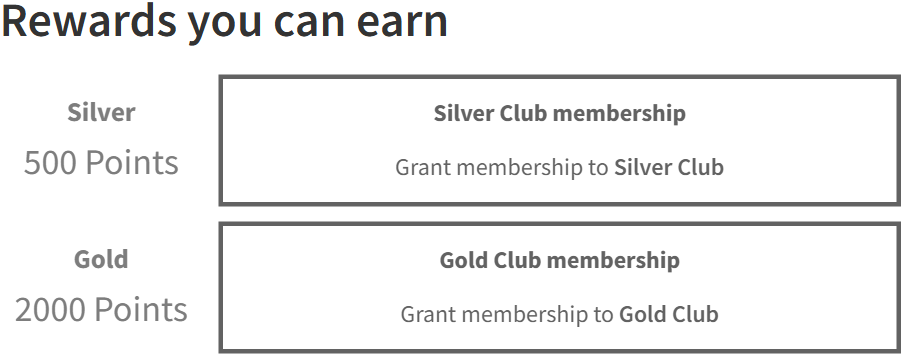
The Loyalty and Rewards tab of My Account lists the levels, their points and the club each one opens.
The member discount is taken from the regular price. On a product already on sale, the customer pays the lower of the two prices; Enable discounts on sales prices in the VIP Memberships settings applies the member discount to the sale price instead.
6. Variants
- A trial club: set a Duration, for instance 1 month, on the reward. Granting the same club again extends it from its current end date.
- Points for joining: the WooRewards action Become WooVIP member gives points when a customer gets a membership. Lose WooVIP Membership does the same on loss.
- Members-only shipping: in the club, Exclusive Shipping Methods keeps a method for its members.